Best AR Smart Glasses Under $500: 2026 Buying Guide
Looking for the best AR smart glasses under $500? Compare display, camera and audio styles, key specs, prescription options and fit tips before you buy.

Quick answer
The best AR smart glasses under $500 are usually tethered display glasses that mirror your phone, laptop or console onto a virtual screen. True standalone AR with spatial tracking mostly costs more, so match the category to your goal: video and gaming, everyday notifications, or camera and AI assistance.
Key takeaways
- At this budget, "AR" usually means a see-through display that floats a screen in front of you, not full 3D objects anchored to your room.
- Display glasses suit video, gaming and travel. Camera and audio glasses suit hands-free capture and voice assistants.
- Check phone or laptop compatibility, brightness, field of view and weight before you look at brand names.
- If you wear a prescription, confirm how the glasses handle it (lens inserts, diopter adjustment or wearing over your own frames).
- Prices and models change often, so confirm current specs and return terms with the seller before you buy.
What "AR" really means at a budget price
Augmented reality means digital content layered over the real world. The strictest version tracks your surroundings and pins virtual objects to tables, walls and doorways. That takes cameras, sensors and onboard processing, which is why standalone spatial AR has generally sat above the $500 mark.
Below that line, most products fall into three practical groups. Knowing which one you are shopping for saves a lot of confusion, because the marketing often uses "AR" for all of them.
1. Display ("AR-style") glasses
These use small micro-displays and optics to show a large virtual screen while you can still see the room through the lenses. They typically connect by USB-C cable to a compatible phone, laptop, handheld console or a small adapter. Brands such as XREAL, Viture and Rokid have made products in this style. Their appeal is simple: a big private screen without carrying a monitor or TV.
2. Camera and AI glasses
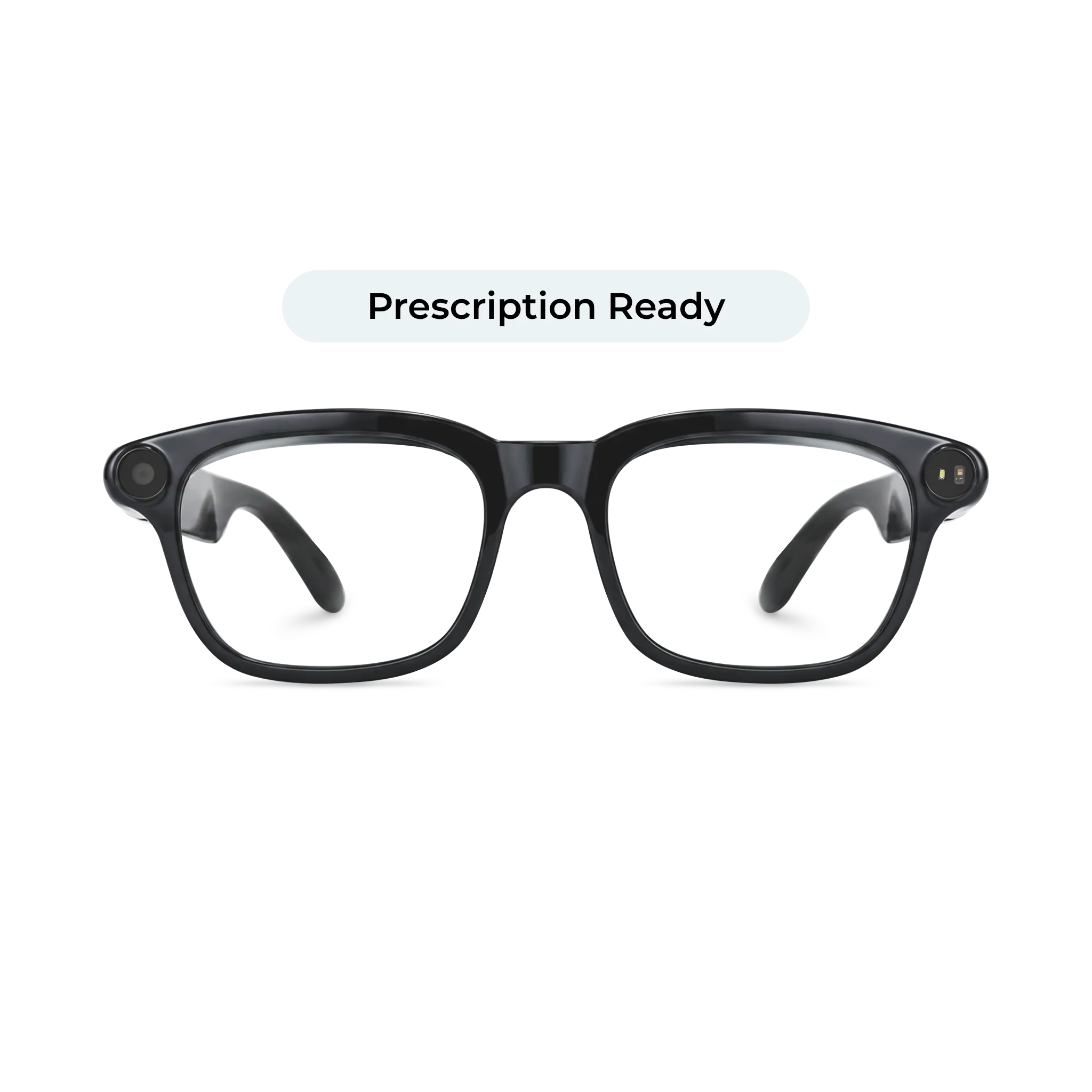
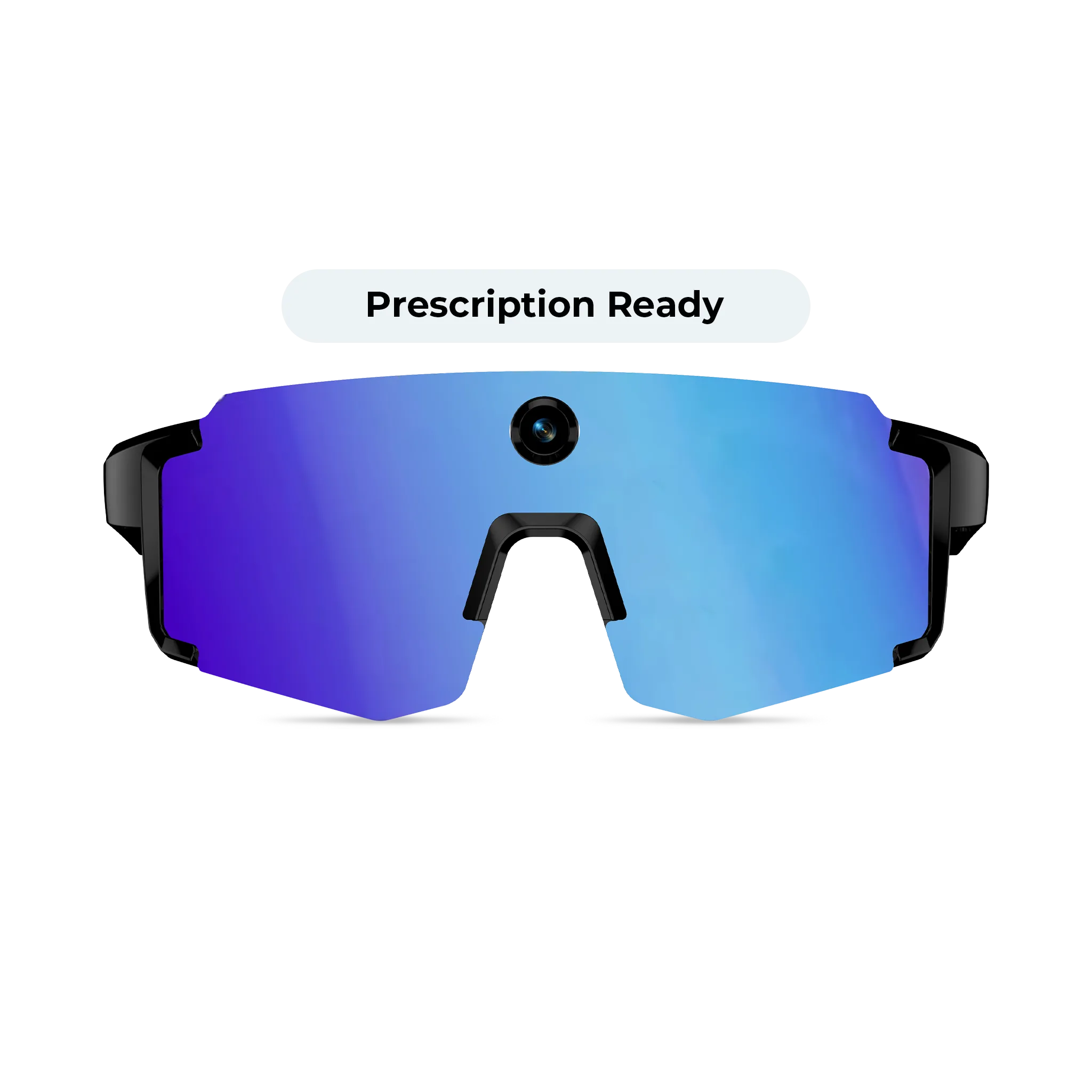
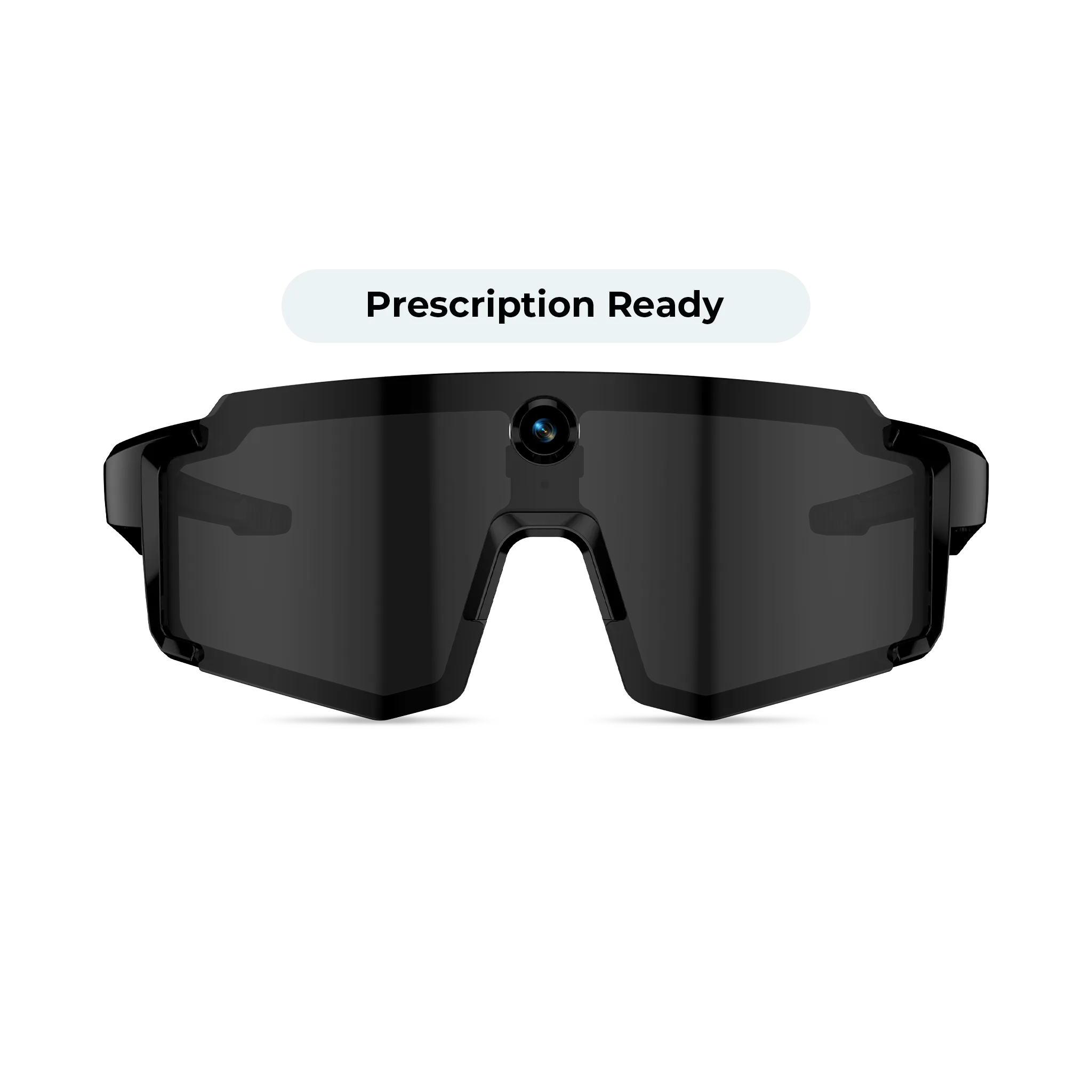
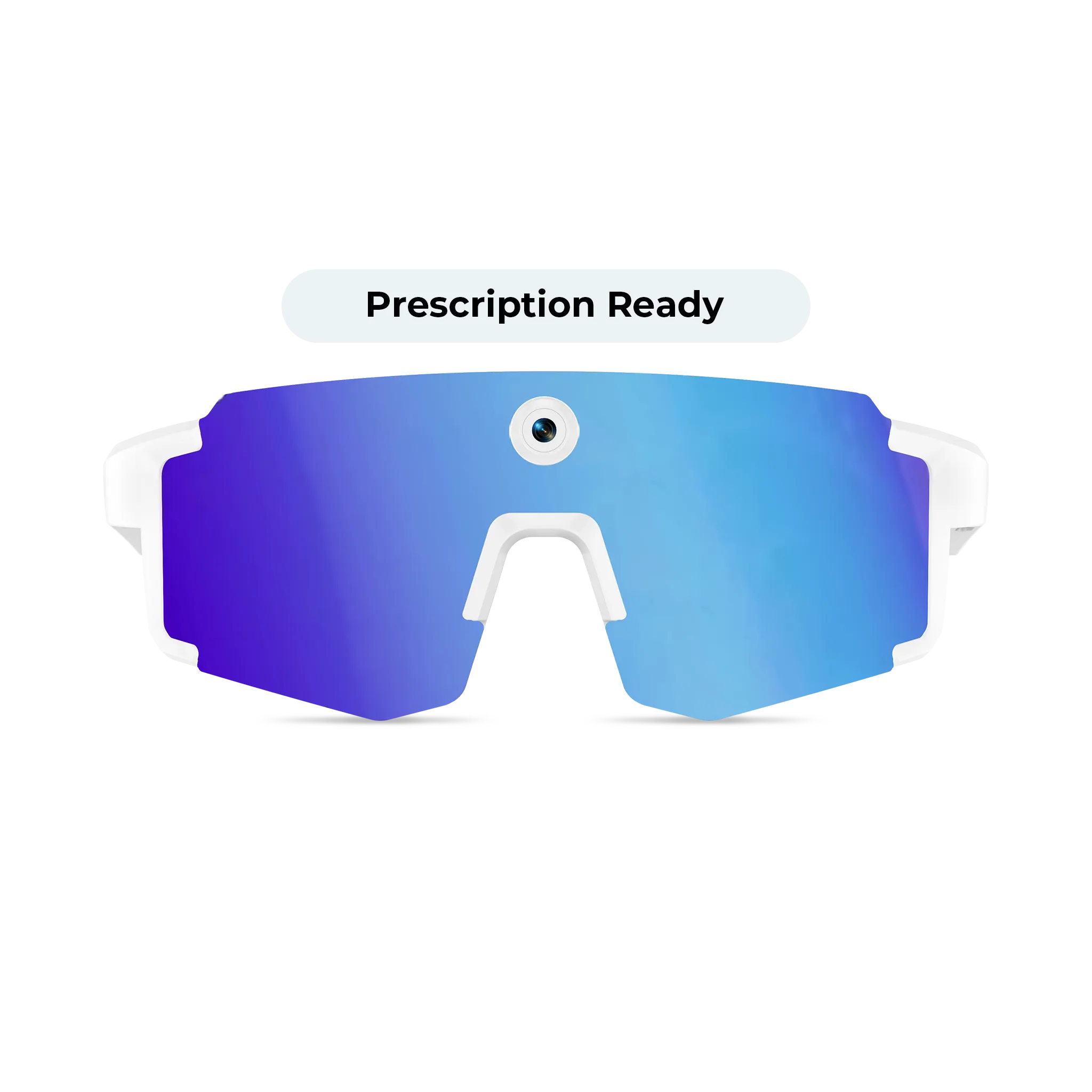
These look like ordinary glasses with a built-in camera, microphones and speakers. They answer voice questions, take photos and video, and play audio. Most have no display in the lens, so they are not AR in the strict sense, but they are often what shoppers want when they search for smart glasses. Our smart glasses with camera AI review goes deeper on how that category performs day to day.
3. Notification and heads-up glasses
A smaller group shows text, translations, navigation cues or notifications in a small display in your line of sight. They are lighter and look more like normal eyewear, but the visual area is small and features depend heavily on the companion app.
Which type fits your budget and goals
| Type | Best for | Main trade-off | What you need |
|---|---|---|---|
| Display glasses | Movies, gaming, remote work, travel | Usually tethered by cable; can feel heavier than regular glasses | A device with USB-C video output, or a maker-supplied adapter |
| Camera and AI glasses | Hands-free photos, calls, music, voice assistant | No lens display; privacy and recording rules matter | A smartphone and the maker's app |
| Heads-up notification glasses | Glanceable text, prompts, translation | Small display area; features tied to the app | A smartphone and the maker's app |
If you are still deciding whether any of this is useful for you, read what smart glasses are good for before spending money. You can also browse our smart glasses page to see the category in one place.
Specs that matter when you compare models
Spec sheets can be overwhelming, but a handful of details predict whether you will enjoy the glasses a month from now.
- Compatibility: For display glasses, check whether your phone or laptop supports video output over USB-C. Some devices need an adapter or a specific app. Do not assume any phone will work.
- Field of view: This is how large the virtual screen appears. A wider field feels more immersive for video but may add bulk. A narrower one can be fine for text and notifications.
- Brightness and tinting: Bright rooms and outdoor use can wash out a see-through display. Look for dimming or tinted options if you plan to use them outside.
- Refresh rate and resolution: Gamers should look for smooth refresh rates. Movie watchers should care more about sharpness and color.
- Weight and balance: Comfort over a two-hour film matters more than a spec-sheet difference of a few grams. Cable weight pulling on the temples can also affect comfort.
- Audio: Open-ear speakers are convenient but leak sound. Check whether you can use headphones as well.
- Battery and charging: Tethered display glasses are often powered by the connected device, which drains your phone faster. Camera glasses have their own battery, so look for realistic usage claims and charging case details.
- Software support: Smart glasses depend on apps and firmware. Check how recently the maker has issued updates and whether the app is available for your phone's operating system.
Prescription wearers: plan for your eyes first
This is where many online buyers run into trouble. A virtual screen is only enjoyable if it is in focus for you. Some models offer clip-in lens inserts that an optician can fill with your prescription. Others include built-in diopter adjustment for a limited range, and some are designed to be worn over your regular frames, which can feel bulky.
Before you order, ask or check:
- Does the maker sell or support prescription inserts for this exact model?
- Is the adjustment range enough for your prescription, including astigmatism?
- Will you need a separate pair of everyday glasses, and if so, how will you swap between them?
If you need a lower-cost way to cover your everyday vision, our guide on how to buy affordable prescription glasses walks through the basics. Your measurements, such as pupillary distance, also matter for sharp optics in any headset-style product.
Fit and comfort checks before you commit
Smart glasses are usually wider and heavier than ordinary frames, so fit is not a minor detail. A pair that slides down your nose will shift the virtual image and cause eye strain. Pressure behind the ears can make a long movie unpleasant.
Use the same fit principles you would for regular eyewear: frame width relative to your face, nose bridge comfort, and temple length. Our guide on how to check glasses frame fit explains what to look for. Also read the seller's return policy, because you cannot judge comfort from photos alone.
Common mistakes to avoid
- Expecting full AR on a small budget. If a listing promises room-scale 3D objects at a low price, read the details carefully.
- Skipping compatibility checks. A great pair of display glasses is useless if your phone cannot output video to them.
- Ignoring privacy etiquette. Camera glasses can record people nearby. Know the recording rules in places you visit, such as gyms, workplaces and private venues.
- Overlooking prescription needs. Do not assume you can "just wear contacts" if you do not normally use them.
- Buying on specs alone. Comfort, software and support often matter more than a slightly higher number on a spec sheet.
- Not verifying current pricing. Prices, bundles and models change frequently, so check the seller's current listing instead of relying on older reviews.
A simple way to decide
Start with how you will use them most often.
- You want a private big screen for streaming or gaming: shop display glasses and confirm your device works with them.
- You want hands-free photos, music and a voice assistant: shop camera and AI glasses, and compare battery life, camera quality and app features.
- You want glanceable information: look at heads-up display glasses, and test whether the small display is readable for you.
- You wear a strong prescription: start with models that clearly support inserts or adjustment, then compare the rest.
Write down your must-haves, shortlist two or three models, and compare return policies. That is usually more useful than hunting for a single winner.
Shop the picks
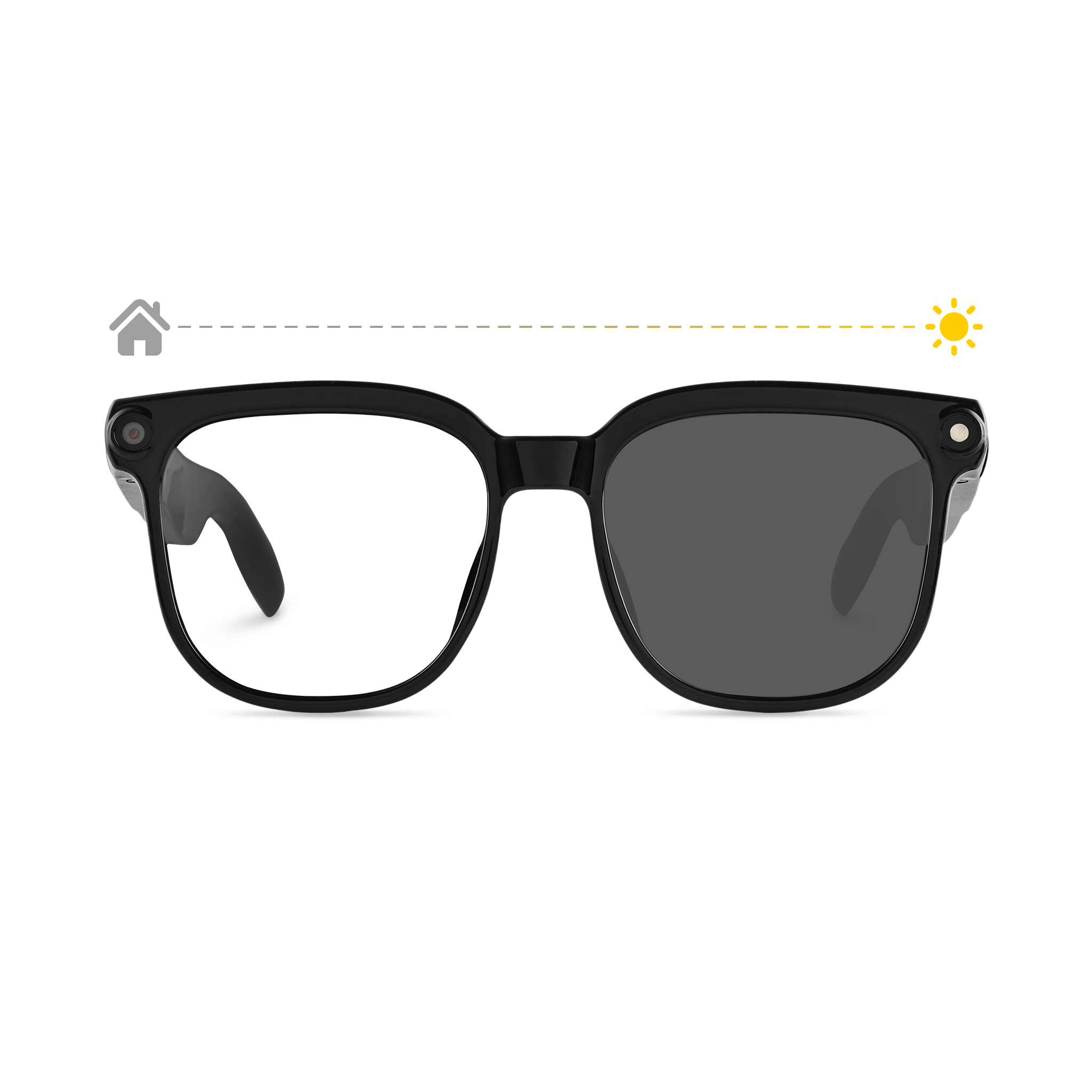
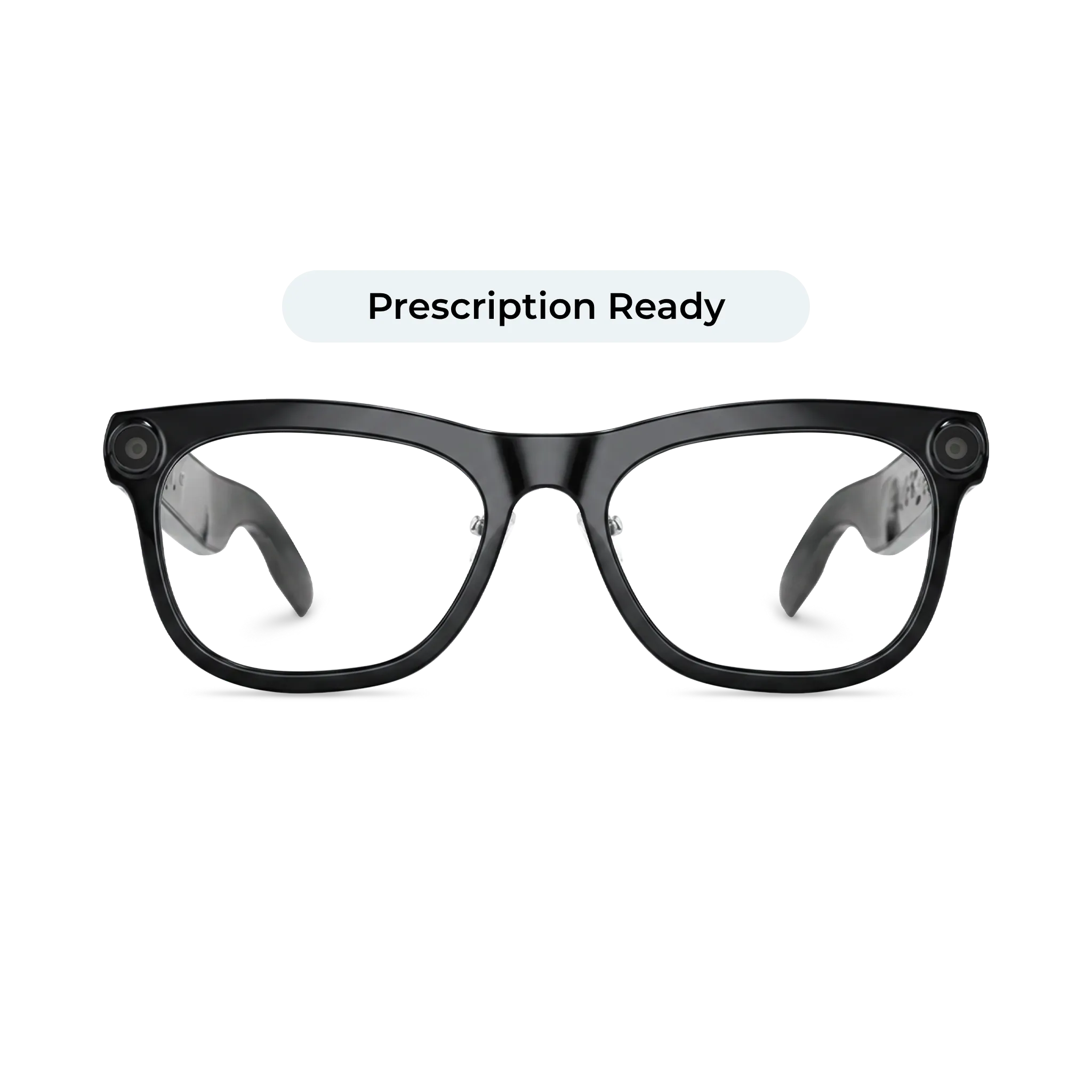
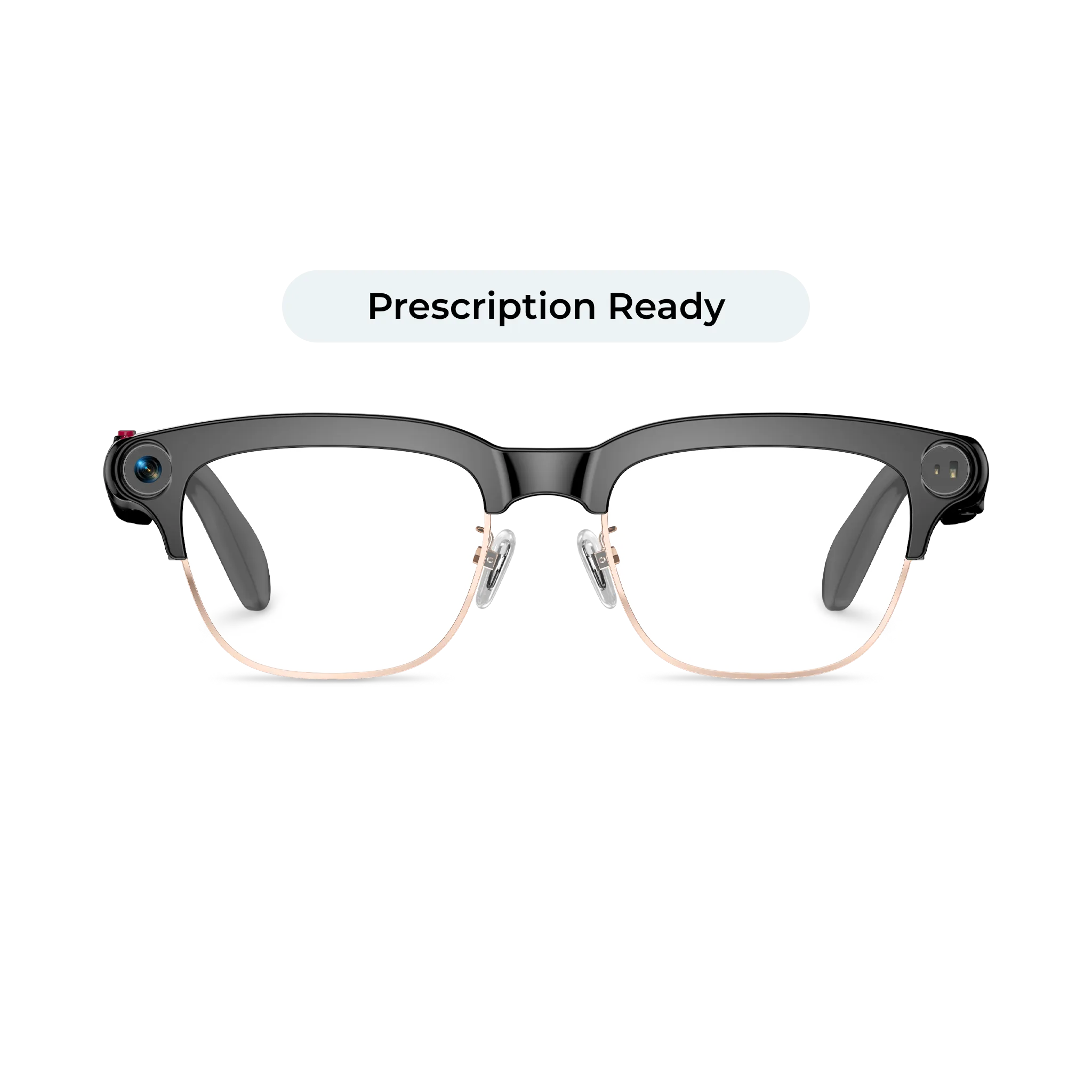
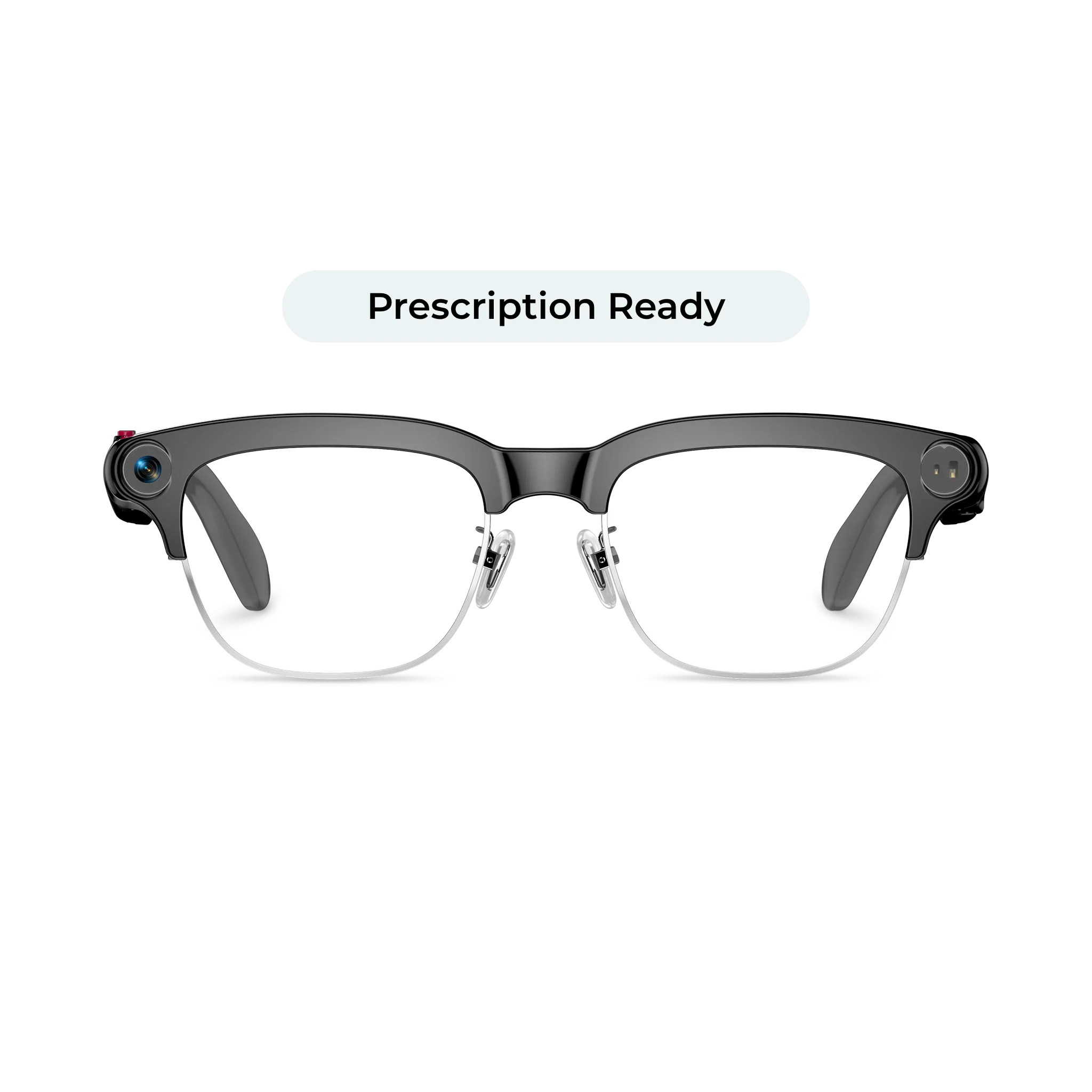
Partner links: we may earn a commission if you buy through these links, at no extra cost to you. Prices and availability can change, so confirm details on the retailer's page.
Bottom line
For most shoppers, the best AR smart glasses under $500 are display-style glasses for video and gaming, or camera and AI glasses if you want hands-free capture rather than a screen. Be realistic about what "AR" means at this price, confirm compatibility and prescription support, and test comfort through a generous return window.
Frequently asked questions
Do AR smart glasses work with an iPhone?
It depends on the model and your iPhone. Many display glasses rely on USB-C video output, so newer iPhones with USB-C may work with the right cable, while older Lightning models often need an adapter. Always check the maker's compatibility list for your exact phone.
Are camera smart glasses the same as AR glasses?
Not usually. Camera and AI glasses typically capture photos, play audio and respond to voice commands, but they do not show a display in the lens. AR glasses overlay visuals on what you see.
Can I use smart glasses outdoors?
Camera and audio glasses are designed for daily wear, including outside. Display glasses can be harder to see in bright sunlight, so look for tinting or dimming features and check how the maker describes outdoor use.
Will smart glasses replace my regular prescription glasses?
Only if the model supports your prescription through inserts or built-in adjustment. Many people still keep a separate pair of everyday glasses, so confirm support before buying.
Is it better to wait for newer models?
Smart glasses change quickly, so newer models often arrive with better optics or software. If you have a clear use today and a good return policy, buying now is reasonable. If your needs are flexible, waiting can give you more options.